North Star Online - New Features
02 Feb 2026
Reporting a Repair has never been easier
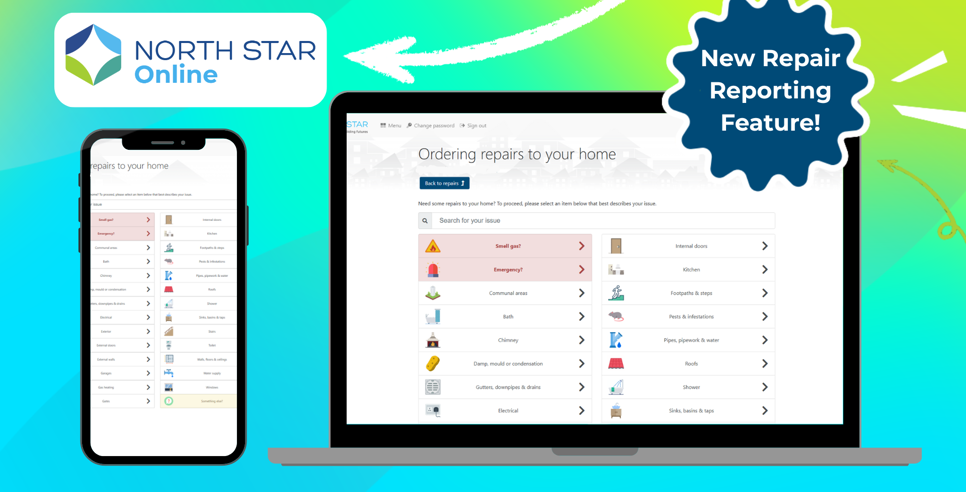
North Star Online is here to make managing your tenancy that bit easier, with the improved repairs reporting feature.
It features pictures and self-help videos to guide you through your report or provide the information to fix small repairs that you are responsible for.

North Star Online has already helped hundreds of customers:


How to get started
Registering with North Star Online is quick and easy.
You'll need your Tenancy Reference Number to register. If you need help finding it, get in touch with Customer Services.
Here's how to register step-by-step:
- Open North Star Online on your computer or smartphone
- Click 'Register'
- Enter your details as instructed. You'll be asked for your Tenancy Reference Number, Last Name, Date of Birth and Post Code
- Click continue
- Enter your email address and choose a password that you'll use to sign in
- Click continue
- Read the information about how we'll use your data and tick to give consent if you're happy with it
- Click continue
You'll then be registered! When you log in, you'll be shown any important messages first. You can then continue to use North Star Online however you'd like.
And don’t worry – it's still your call, if you want to call on 03000 11 00 11
